> For the complete documentation index, see [llms.txt](https://btczoo.gitbook.io/btczoo/llms.txt). Markdown versions of documentation pages are available by appending `.md` to page URLs; this page is available as [Markdown](https://btczoo.gitbook.io/btczoo/participate-tutorial/btc-zoo-pass-card.md).
# BTC ZOO Pass Card
How to participate in ?
Pass Card public minting will open on December 30.
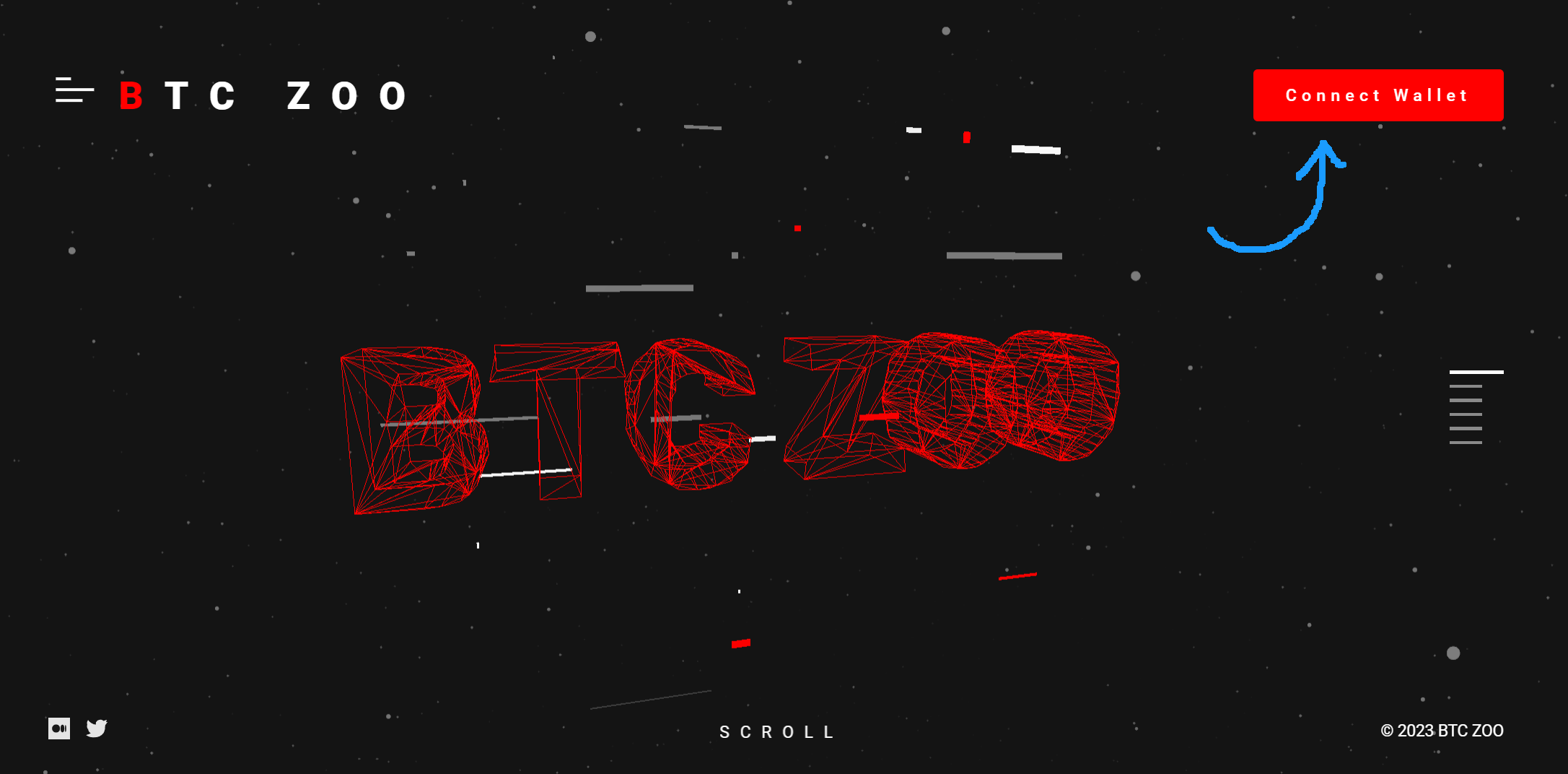
1. First, visit our official website.
{% embed url="" %}
Click to visit
{% endembed %}
Click Connect Wallet Button
2. Then, make sure you've alredy installer the Unisat Wallet, and click Connect Wallet.Then, make sure you've alredy installer the Unisat Wallet, and click Connect Wallet.
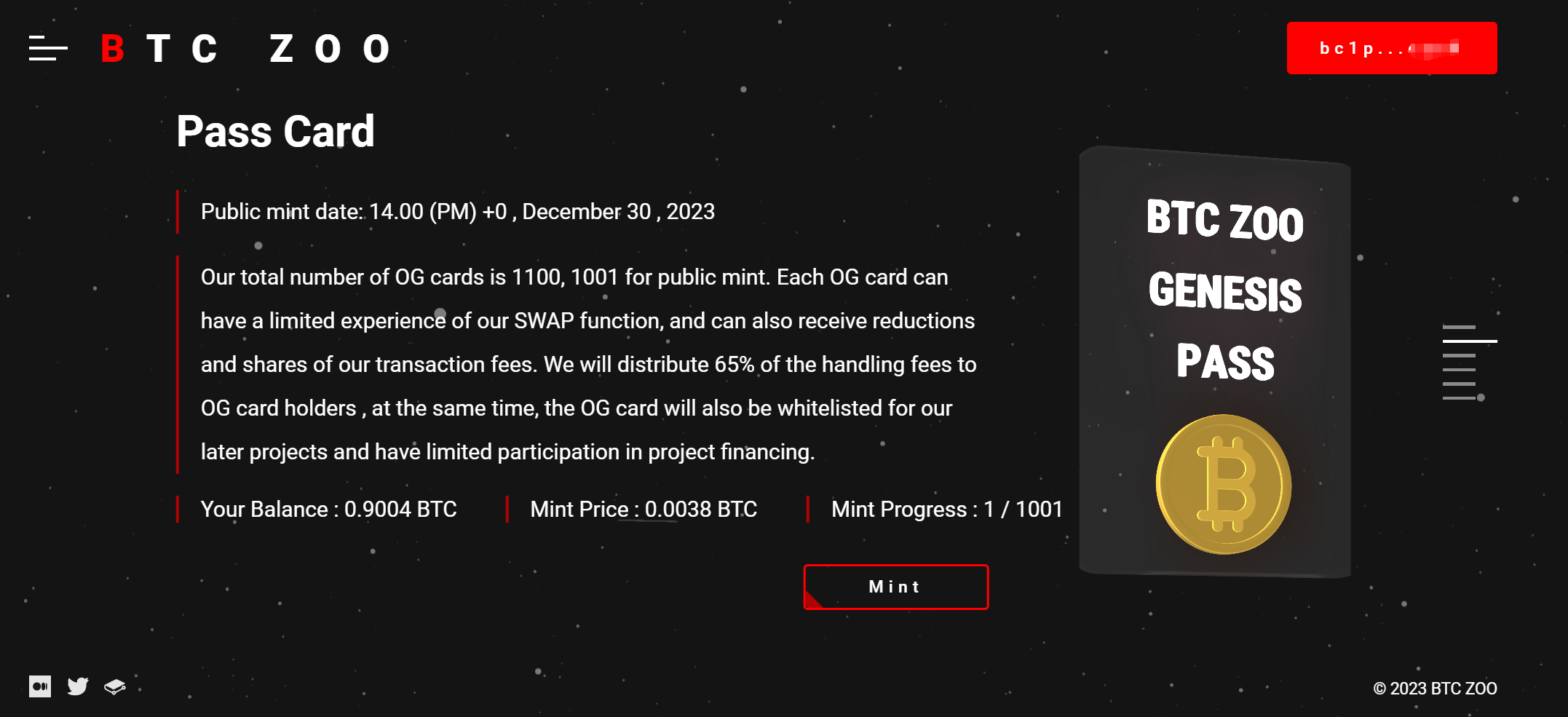
3. After connected the wallet, you can click 'Mint' button and confirm the transaction with your wallet, also you can see the real-time minting progress on our website.